

Learn
What is DESIGN.md?
A design system document that AI agents read to generate consistent UI across your project.
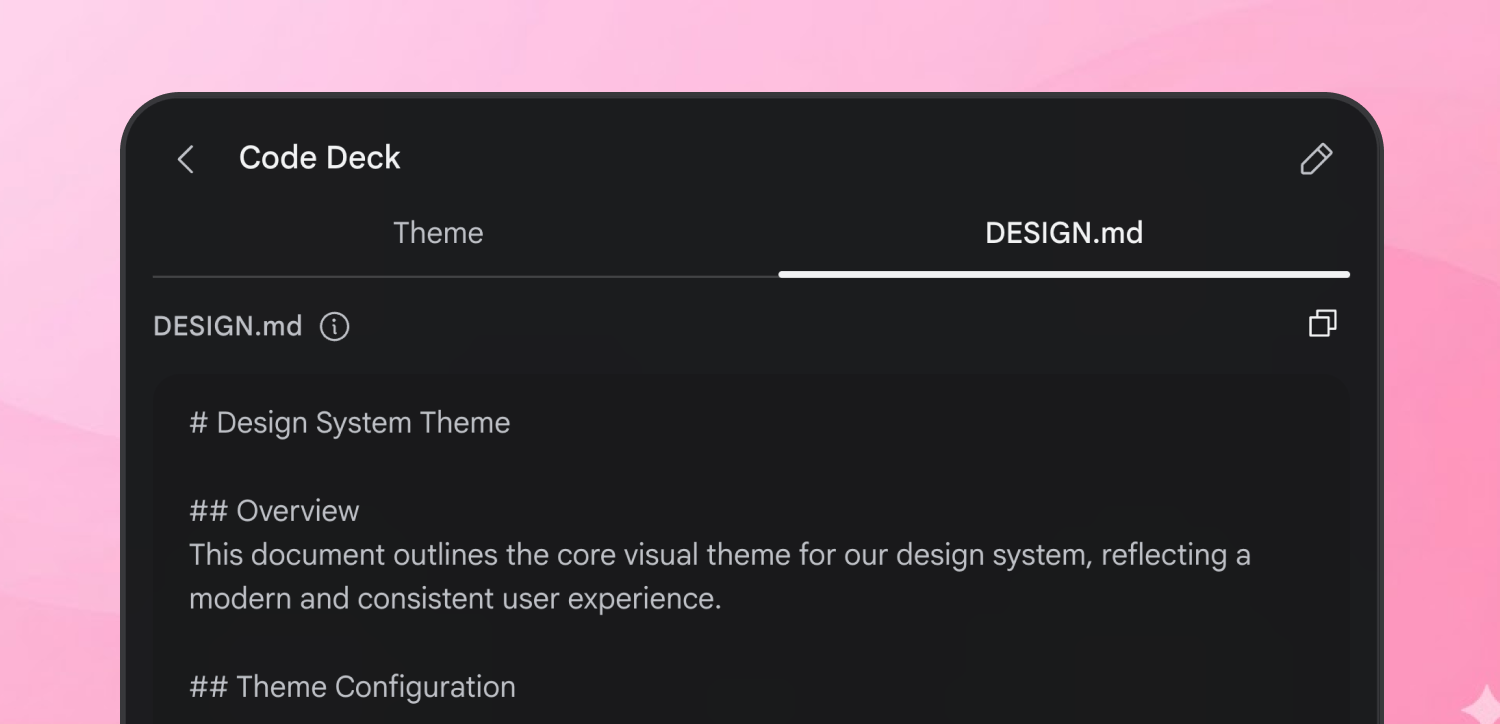
Every project has a visual identity: colors, fonts, spacing, component styles. Traditionally, this lives in a Figma file, a brand PDF, or a designer’s head. None of these are readable by an AI agent.
DESIGN.md changes that. It’s a plain-text design system document that both humans and agents can read, edit, and enforce. Think of it as the design counterpart to AGENTS.md:
| File | Who reads it | What it defines |
|---|---|---|
README.md | Humans | What the project is |
AGENTS.md | Coding agents | How to build the project |
DESIGN.md | Design agents | How the project should look and feel |
What it gives you
Section titled “What it gives you”When a design agent like Stitch reads your DESIGN.md, every screen it generates follows the same visual rules: your color palette, your typography, your component patterns. Without it, each screen stands alone. With it, they look like they belong together.
DESIGN.md is a living artifact, not a static config file. It evolves as your design evolves. The agent generates it, you refine it, and it’s re-applied to screens as you iterate.
Under the hood, every DESIGN.md has two layers: YAML front matter containing machine-readable design tokens (exact hex values, font properties, spacing scales) and a markdown body providing human-readable design rationale. Tokens give agents precise values. Prose tells them why those values exist. See the specification for the full format.
The philosophy
Section titled “The philosophy”The DESIGN.md spec is a foundation, not a prescription. It provides a common ground that agents, tools, and teams can rely on — a shared vocabulary for colors, typography, layout, and components — while preserving the freedom to extend the format for domain-specific needs. Unknown sections and custom tokens are accepted, not rejected.
How they’re created
Section titled “How they’re created”There are three paths to a DESIGN.md, from effortless to precise.
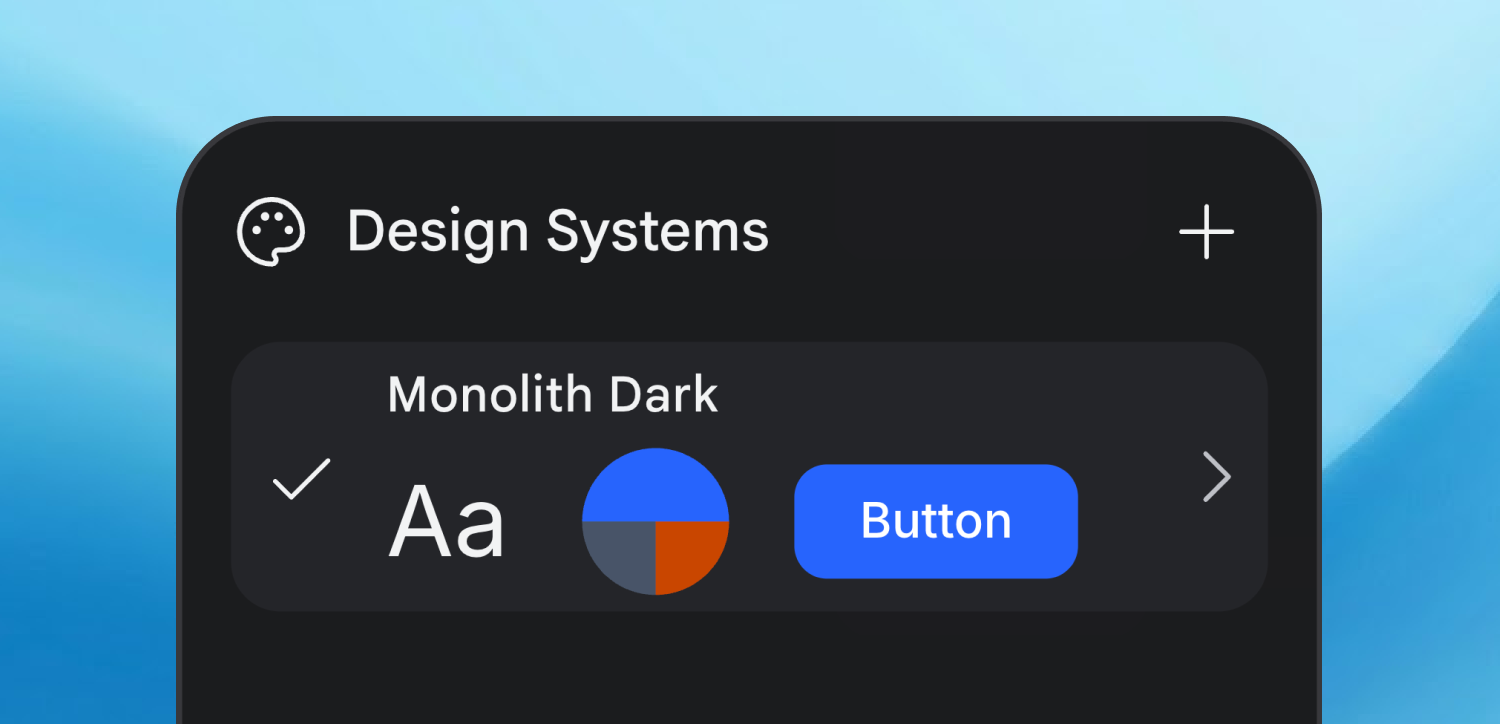
Let the agent generate it
Section titled “Let the agent generate it”Describe the vibe. The agent translates your aesthetic intent into tokens and guidelines.
A playful coffee shop ordering app with warm colors, rounded corners, and a friendly feel
Stitch generates a complete design system (colors, typography, spacing, component styles) and summarizes it as a DESIGN.md.
Derive from branding
Section titled “Derive from branding”If you already have a brand, provide a URL or image. The agent extracts your palette, typography, and style patterns to build the DESIGN.md from what already exists.
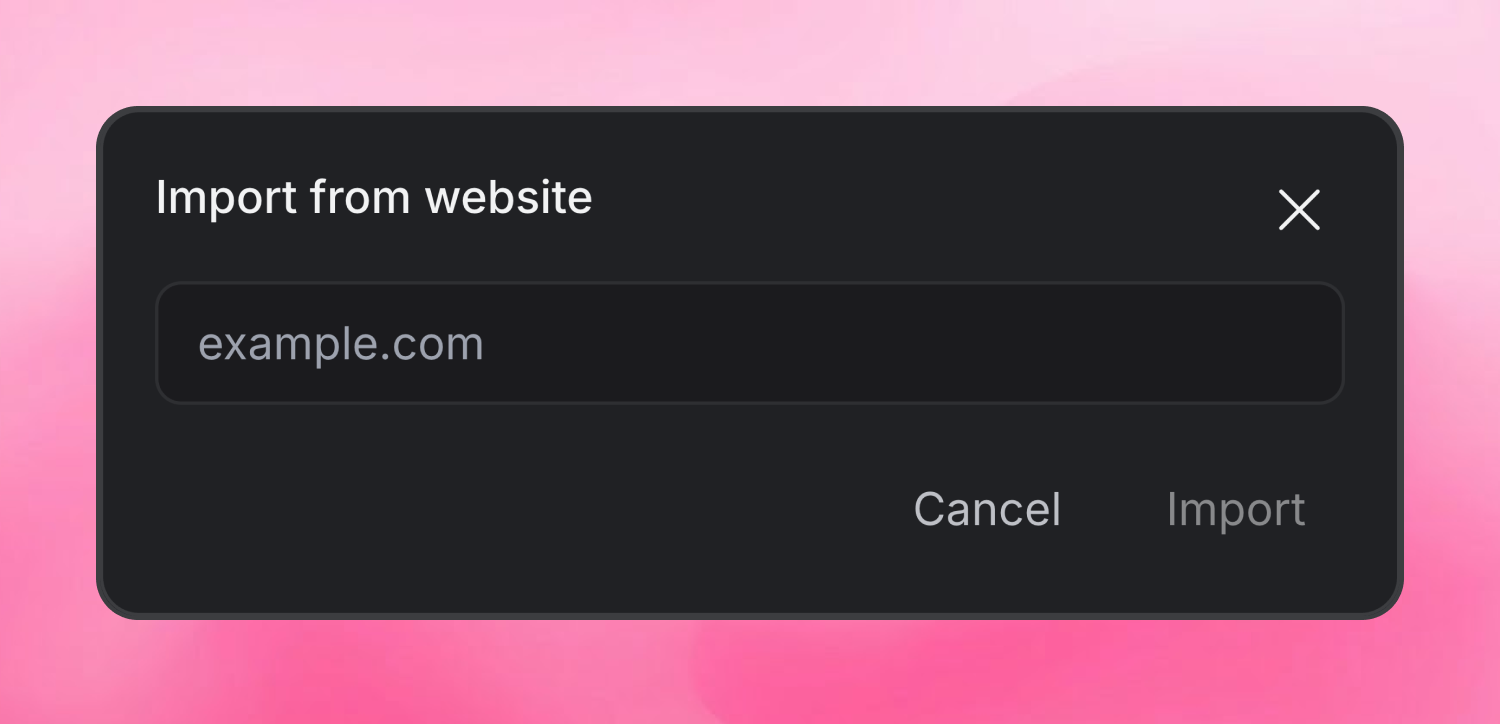
Write it by hand
Section titled “Write it by hand”Advanced users can author a DESIGN.md directly, encoding exact design preferences. Every section is just markdown with optional YAML front matter for design tokens. No special syntax beyond standard markdown and YAML.
Example
Section titled “Example”Below is a minimal DESIGN.md for a dark-themed productivity app. The YAML front matter defines the exact token values; the markdown body explains the design intent.
---name: DevFocus Darkcolors:  primary: "#2665fd"  secondary: "#475569"  surface: "#0b1326"  on-surface: "#dae2fd"  error: "#ffb4ab"typography:  body-md:    fontFamily: Inter    fontSize: 16px    fontWeight: 400rounded:  md: 8px---
# Design System
## OverviewA focused, minimal dark interface for a developer productivity tool.Clean lines, low visual noise, high information density.
## Colors- **Primary** (#2665fd): CTAs, active states, key interactive elements- **Secondary** (#475569): Supporting UI, chips, secondary actions- **Surface** (#0b1326): Page backgrounds- **On-surface** (#dae2fd): Primary text on dark backgrounds- **Error** (#ffb4ab): Validation errors, destructive actions
## Typography- **Headlines**: Inter, semi-bold- **Body**: Inter, regular, 14–16px- **Labels**: Inter, medium, 12px, uppercase for section headers
## Components- **Buttons**: Rounded (8px), primary uses brand blue fill- **Inputs**: 1px border, subtle surface-variant background- **Cards**: No elevation, relies on border and background contrast
## Do's and Don'ts- Do use the primary color sparingly, only for the most important action- Don't mix rounded and sharp corners in the same view- Do maintain 4:1 contrast ratio for all text
This is what the agent reads when generating your next screen. For the complete format specification, see The specification. To validate your DESIGN.md against the spec, see Validate with the CLI.